
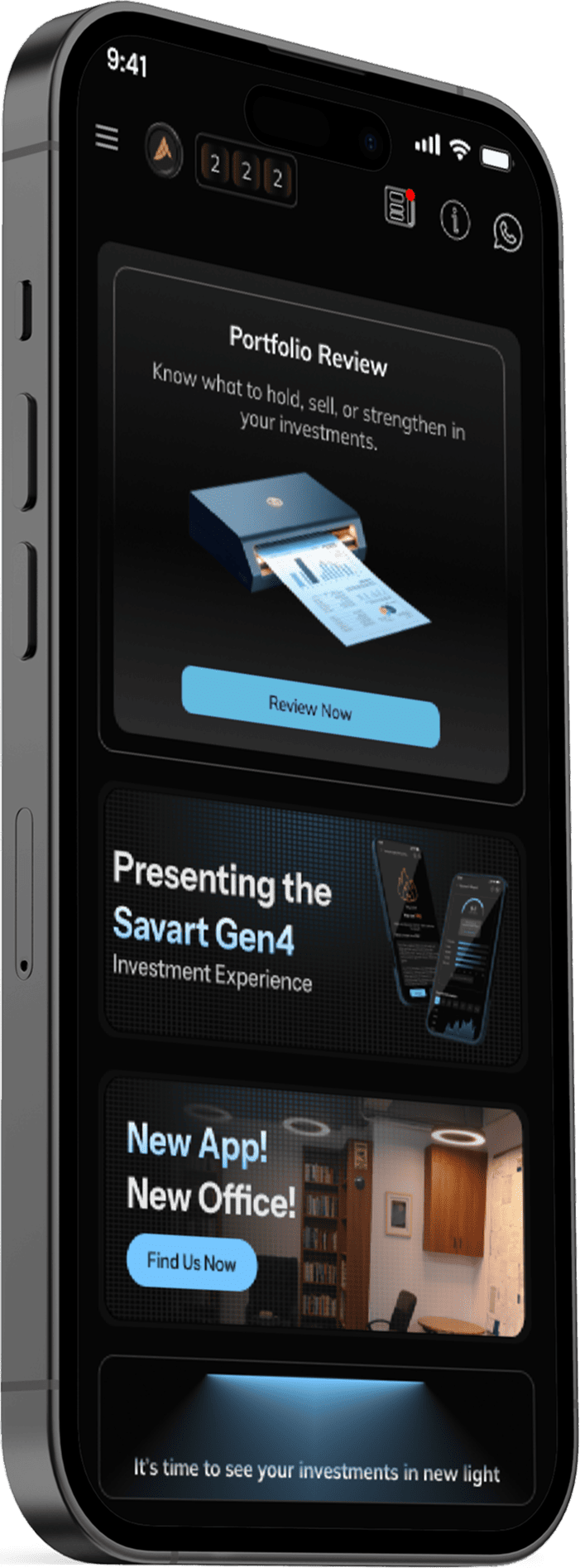
Free portfolio review
Take a closer look at what you own.
Bring your stocks and mutual funds into one view. Get to know what you own and explore the research behind your investments.
Start with the investments you already have.
You may have bought a fund through a SIP, chosen a stock a few years ago or added investments at different times. The review brings those choices together.
Connect your portfolio with consent to see available holdings and research in the app.
See your holdings together
Review stocks and mutual funds from the accounts you choose to connect.
Revisit the reason you own them
Use the review to ask whether you understand each investment and what role you want it to play. A purchase you made earlier still deserves attention today.
Choose what to explore next
Find research on an investment that interests you and take a closer look at the business.

The price is one part of the story.
A holding tells you what you own. A research report helps you examine the investment itself.
Stock reports can include a business overview, financial fundamentals, peer comparisons, valuation, shareholding analysis and APART insights.
See how research worksRead with a question in mind
- Do I understand how this company or fund works?
- What are the risks described in the research?
- What does the valuation say about the price?
- Does the investment still fit the goal I bought it for?
Explore research at your own pace.
Choose the investments you want to understand better. Research reports are available individually or in packs.
Free portfolio overview
See stocks and funds from your connected accounts.
Research reports
Look into the business, its valuation and the risks behind an investment.
Get started in the app.
Choose which accounts to connect, then explore your holdings and available research in one place.
-
Get the Savart app
Sign in to the Savart app and open portfolio review.
-
Connect your portfolio
Choose an available account connection and give your consent.
-
Look through your holdings
See the stocks and mutual funds from your connected accounts. Start with the investments you want to understand better.
-
Explore the research
Choose a stock or fund you want to understand and browse its research.
Need help with your next investment?
After looking at what you own, you may want advice on where to invest an additional amount.
Savart X adds personalised investment advice based on your amount and risk profile. Choose it when you want a recommendation for your circumstances.
Explore investment adviceQuestions before your review.
What can I do in a portfolio review?
See holdings from your connected accounts and explore research on stocks and funds.
Is the review free?
Yes. The free review brings your stocks and mutual funds into one view.
What if a research report is unavailable?
Research coverage varies by investment. The app shows the reports currently available.
How can I get personalised recommendations?
Savart X provides recommendations based on your investment amount, risk profile and existing portfolio.
Will connecting an account move or trade my investments?
Connections used for the portfolio review are read-only. Your investments stay in your account, and you choose what to do next.
Can I buy research separately?
Yes. You can buy research reports without a subscription.
Get to know your portfolio.
Download Savart to see your portfolio and available research.